
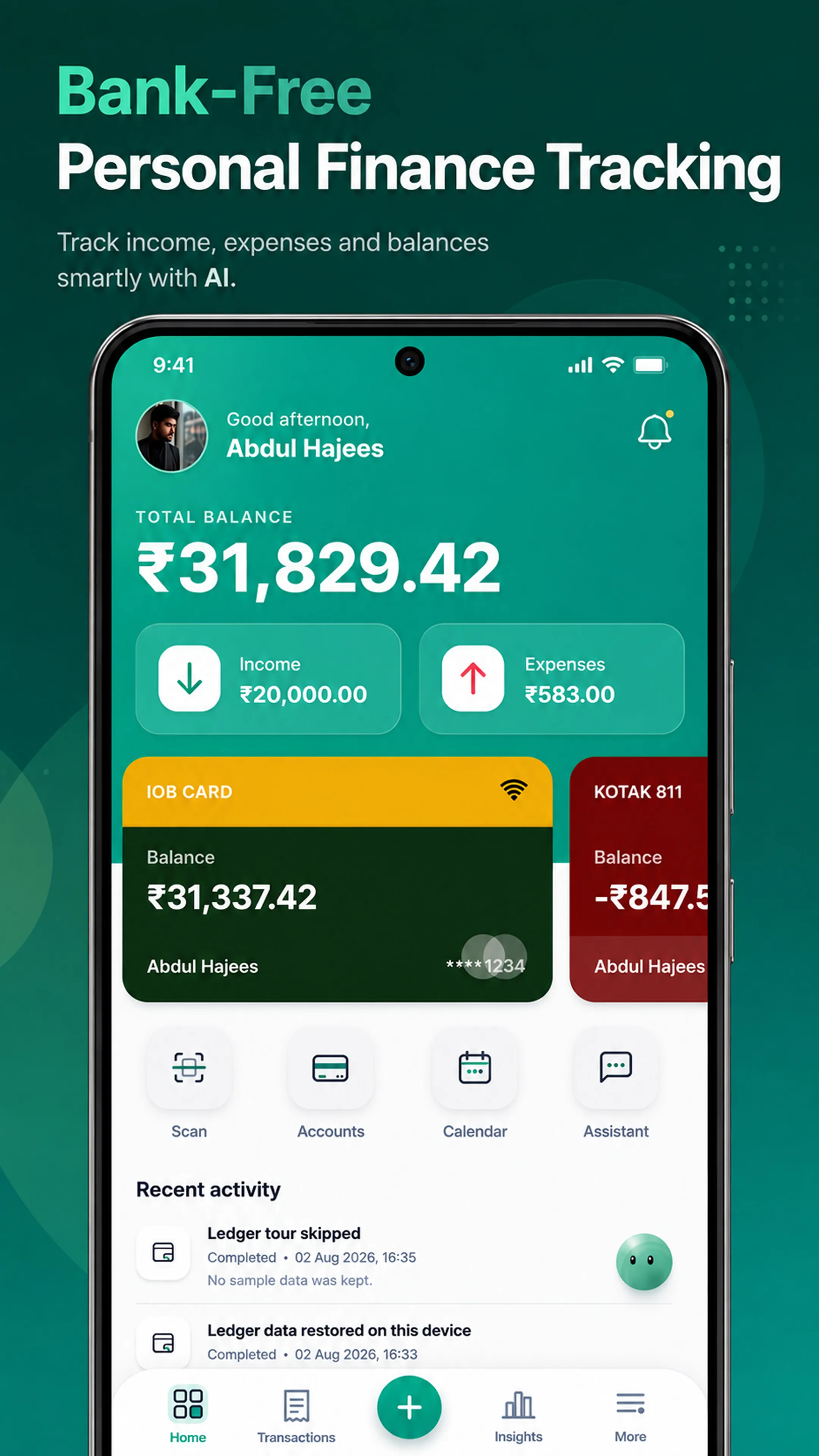
The expense tracker that never asks for your bank password.
No bank connection neededSet up in under 2 minutes
Track every expense, spot every overspend, and let Plu (your AI assistant) handle the busywork, without ever handing over a bank password.
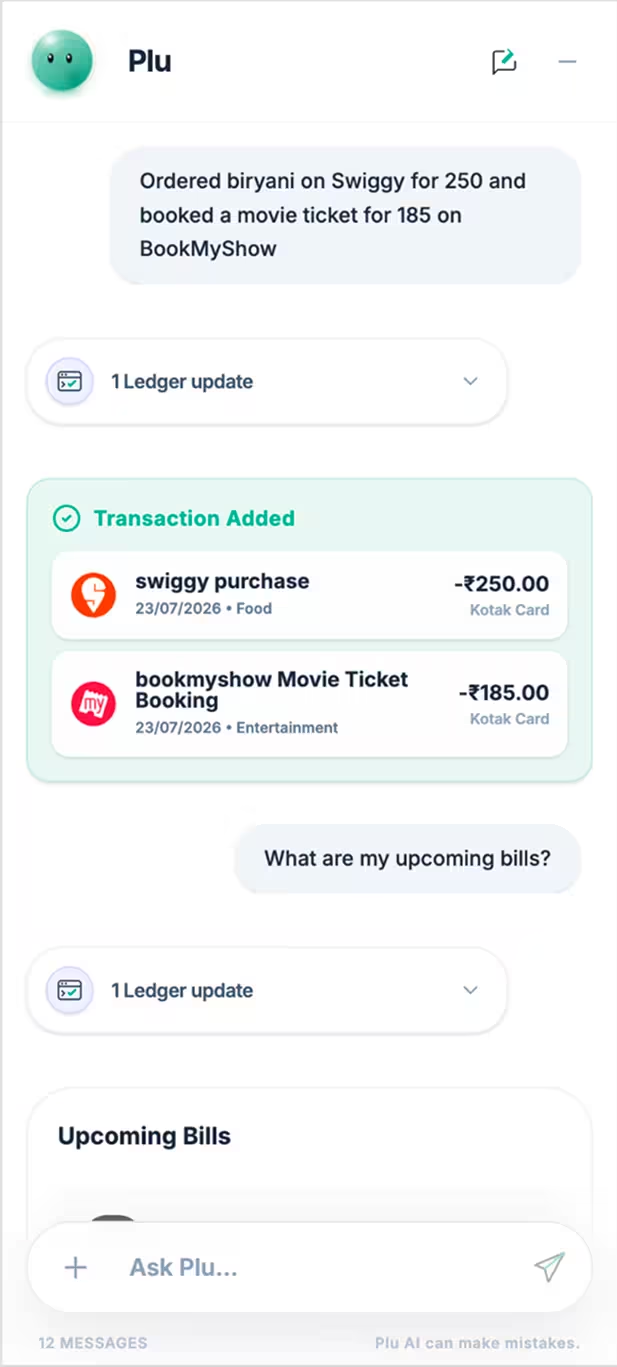
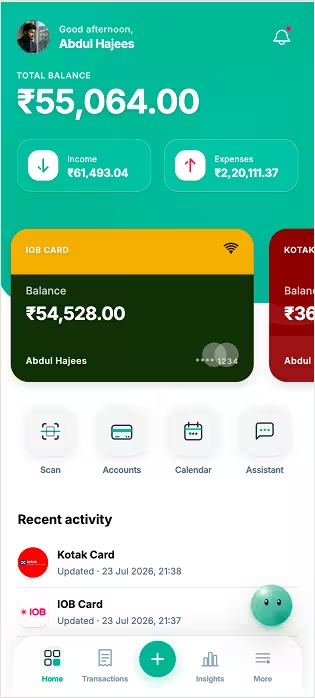
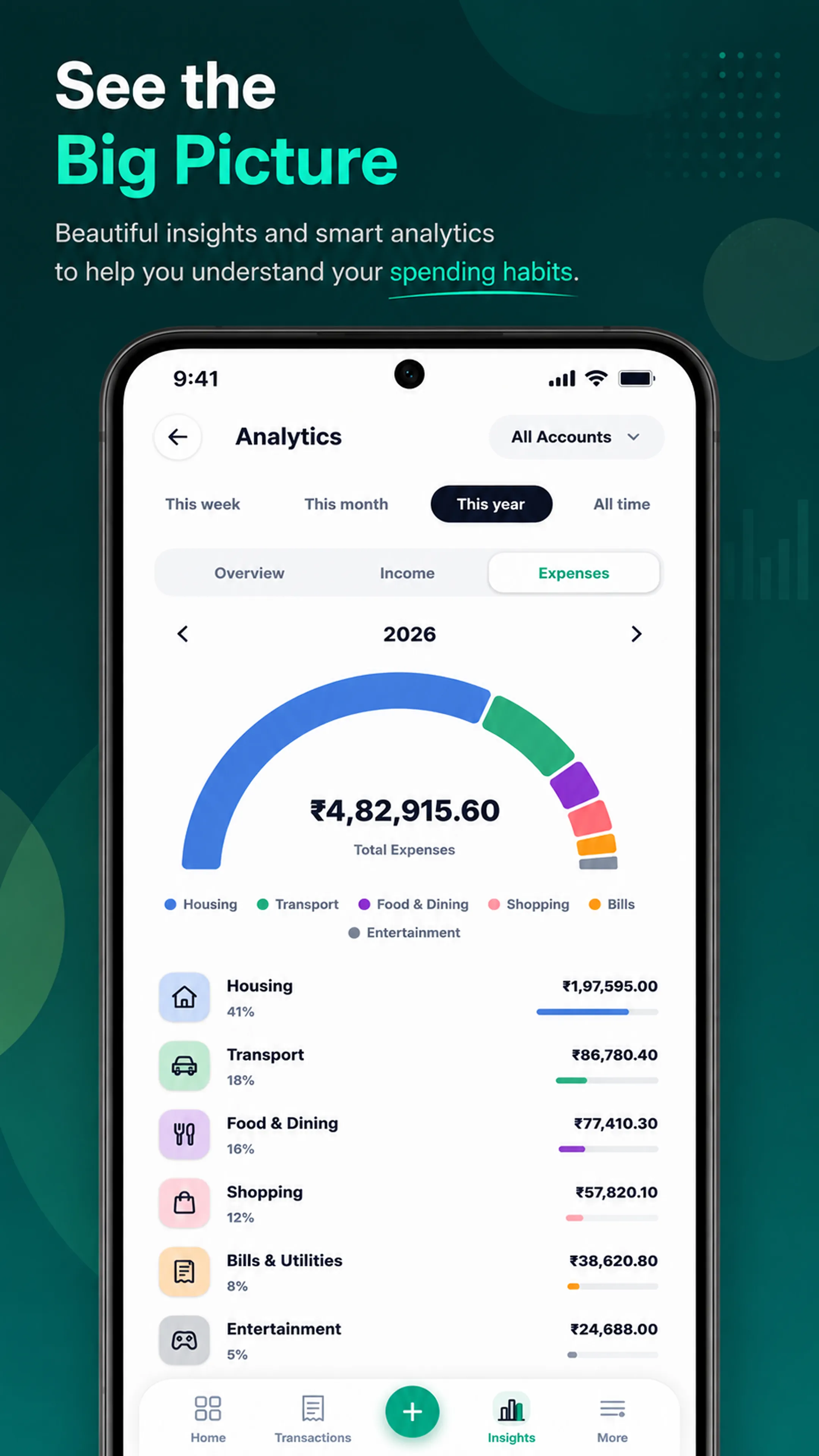
Understand your money without the spreadsheets.
- See where your money actually goes
- Review category and spending patterns as a real spending tracker
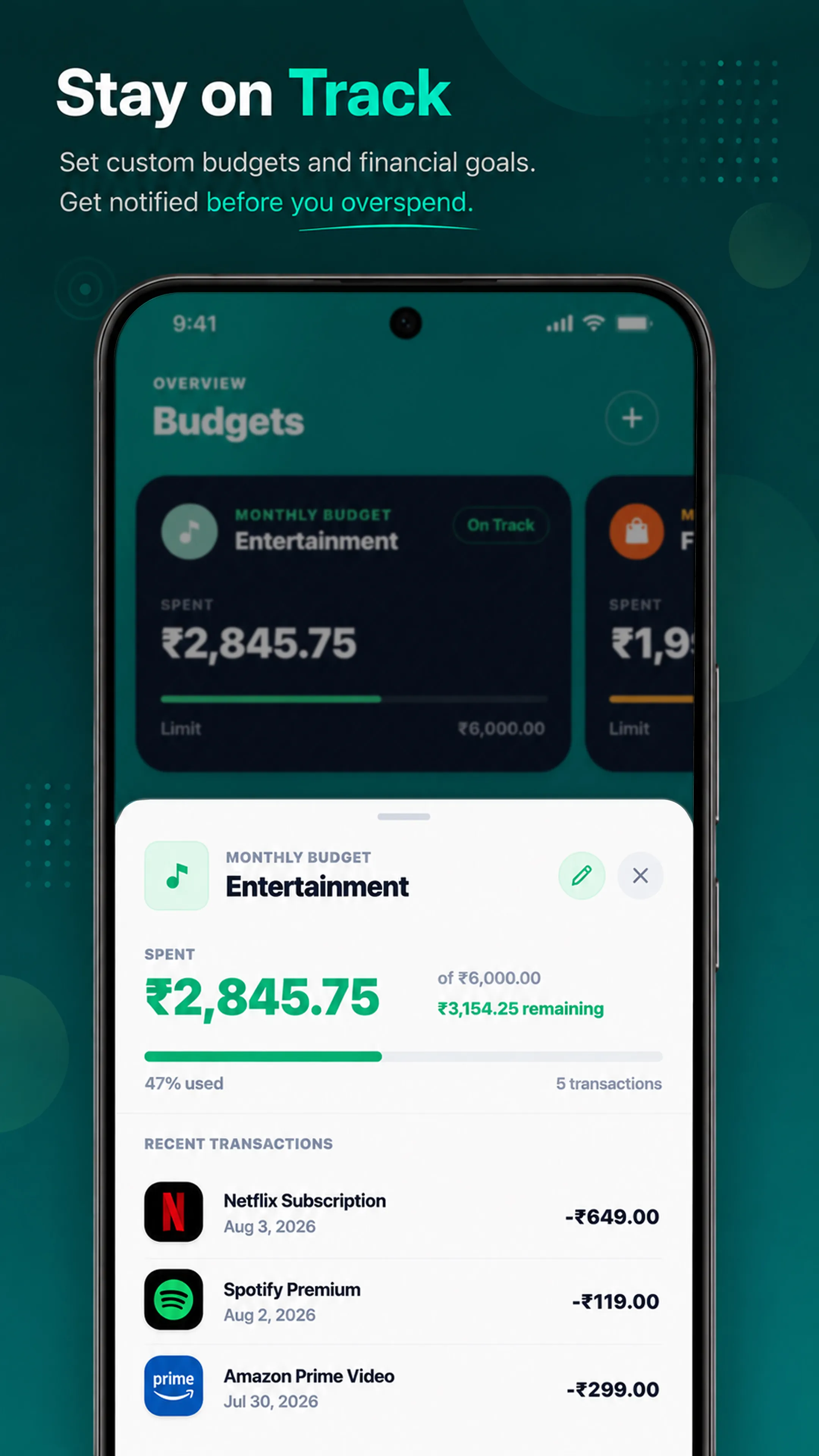
- Understand your budget without digging
- Stay clear without spreadsheets
Illustrative preview · demonstration data
Smart Scanning
Snap a photo.
AI prepares the details for your review.
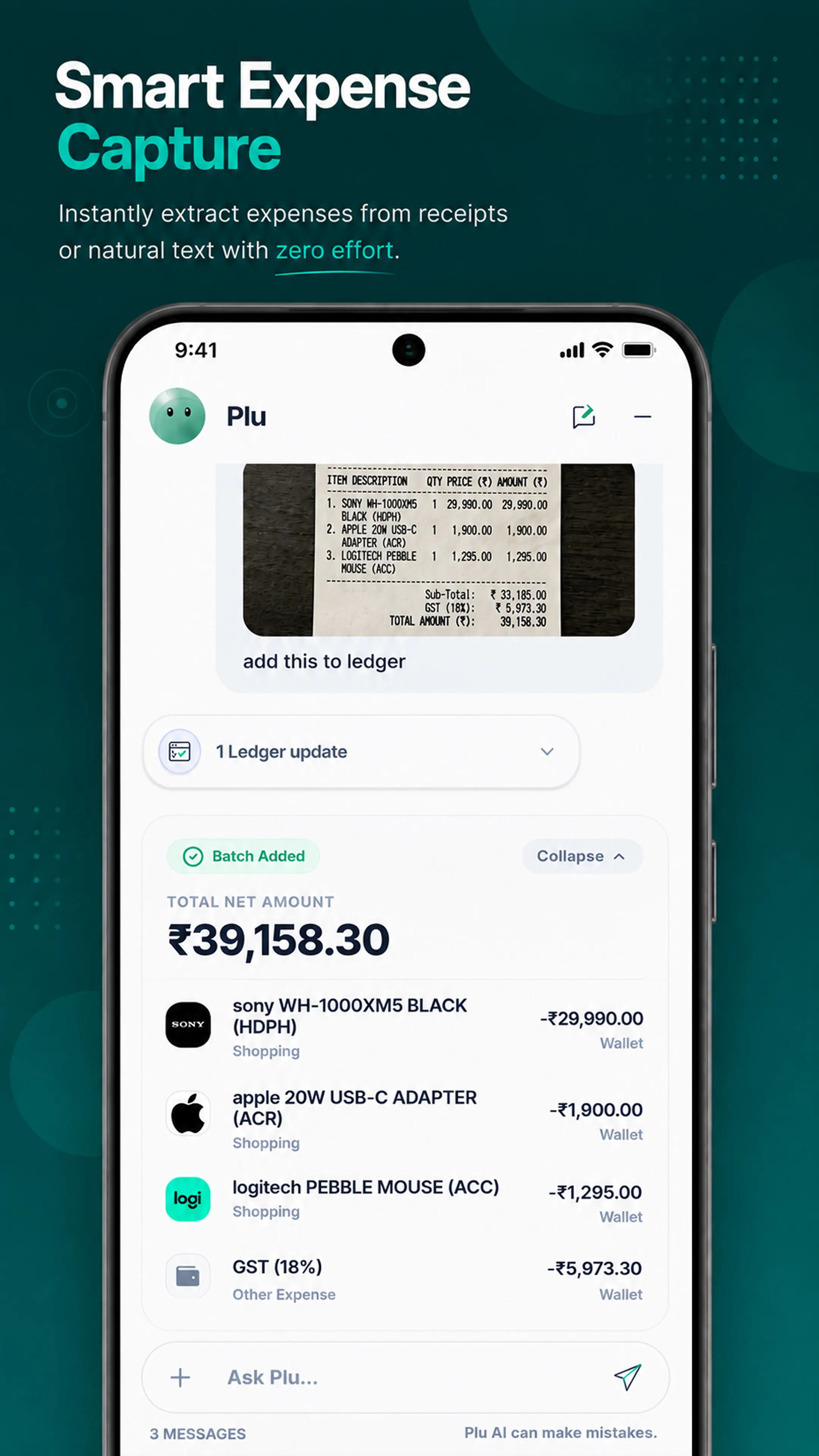
Snap a picture of a bill or receipt and let Plu handle the rest. Our AI financial assistant instantly extracts the merchant, items, amount, and a suggested category so you can review the details before saving.
Animated mockup showing AI scanning a receipt and automatically categorizing line items, taxes, and totals.
Full manual control
Let Plu help.
Or take the wheel yourself.
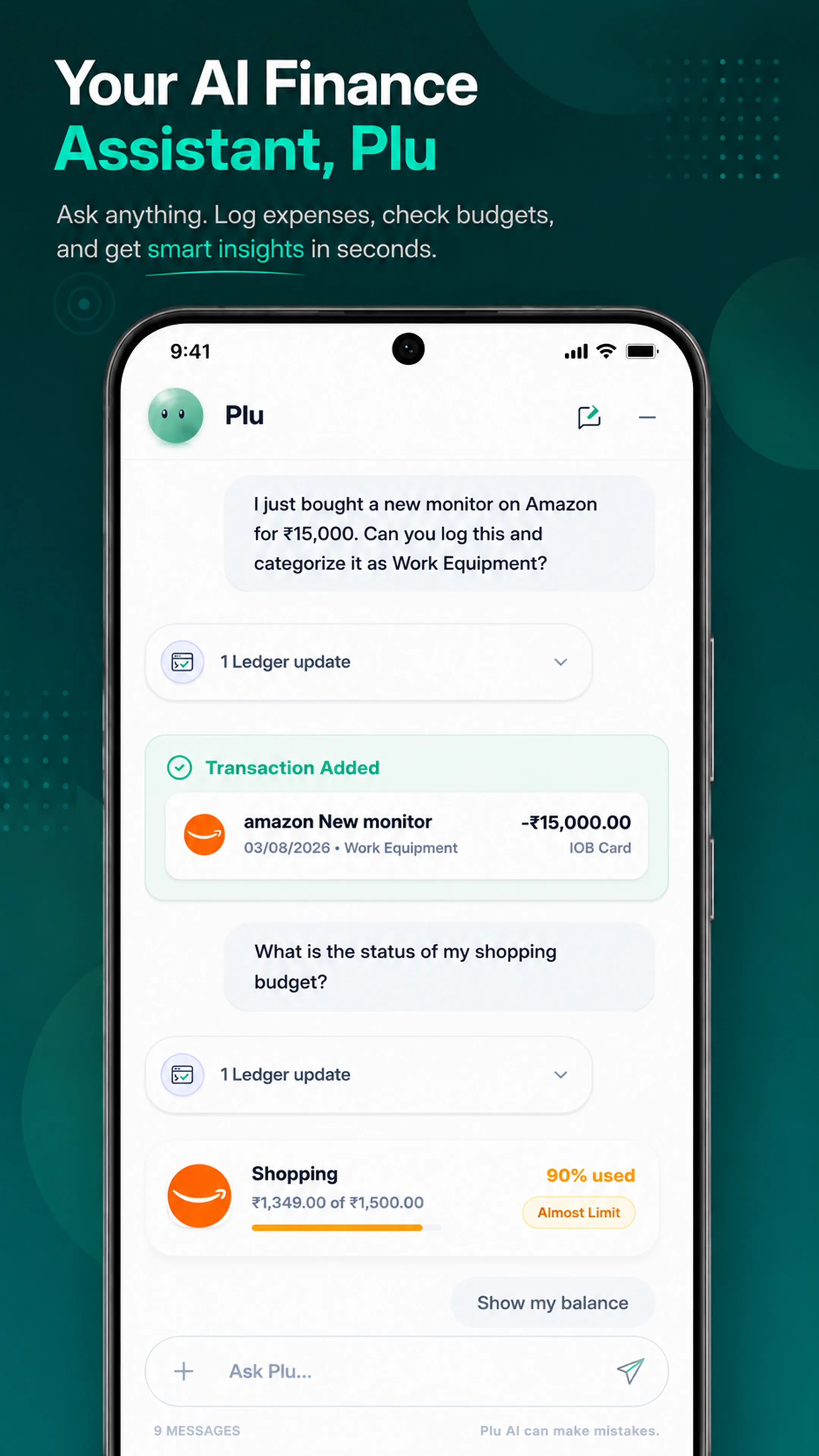
Plu can prepare entries and carry out supported actions when you ask. The complete manual interface stays available, so you can add transactions, shape budgets, review reports, and organize goals your own way.
Everyday tools stay hands-on
Record income and expenses, manage budgets, set goals, and track recurring costs without using AI.
You can review the important parts
Receipt details are prepared for review, and destructive AI actions require confirmation before they are completed.
Privacy on your terms
Powerful AI is a choice,
not a requirement.
Core financial records begin in storage on your device. When you ask Plu for help, the prompt, relevant context, and any receipt image you attach are sent for that request to the AI provider. If you want a fully private workflow, leave AI disabled and use the complete manual workspace locally.
Work locally
Track everything locally without sending records to an AI provider.
No Ads
Pludo does not sell your records or use them for advertising.
Plu avatar showing AI disabled in local mode
“Financial software should do more than display numbers. Plu can answer questions and help complete the work, while the full manual workspace keeps every decision in your hands.”

Abdul Hajees
Creator, Pludo Ledger
Financial clarity,
without spreadsheets.
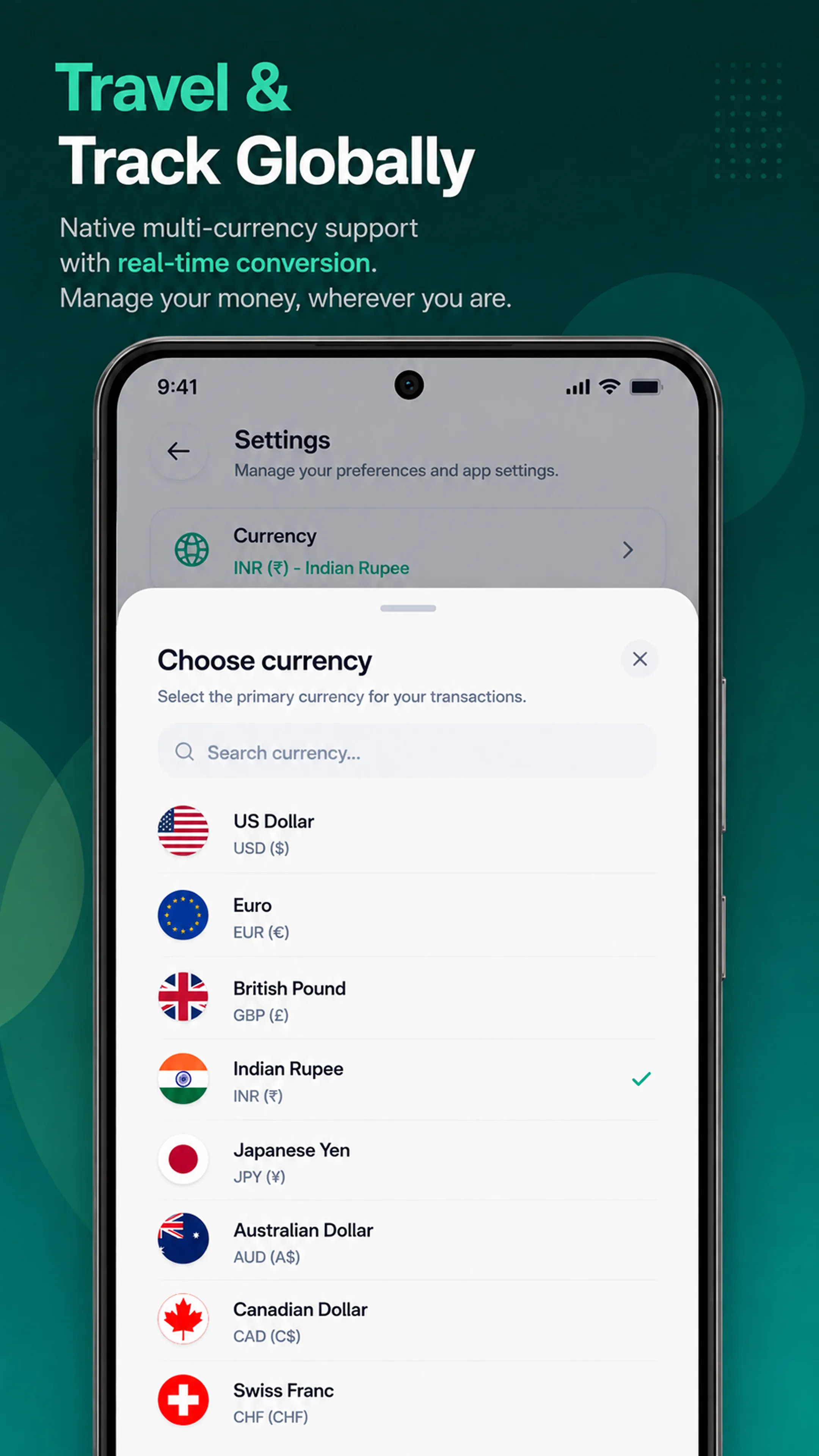
A carousel of illustrative mobile product previews showcasing smart expense capture, insights, budgets, and multi-currency.
Explore more ways to use Ledger.
AI budget planner
Weekly, monthly, and yearly budgets with optional AI help.
Manual expense tracking
Record and edit every transaction yourself, with AI as an option.
Track without a bank
Build your record without connecting a bank account.
Receipt scanning
Prepare expenses from a receipt photo, then review before saving.
Local-first finance
Core records begin on your device, not a server.
What people are saying.
I usually forget to note down my expenses, but after using Ledger it has become a habit. The feature I like the most is Plu AI. I just upload a bill or screenshot, and it updates the correct account for me. I can also keep track of my cash and bank accounts in one place, add notes whenever I want, and edit entries if I make a mistake. Now I have a clear idea of where my money goes every month, and it has really helped me manage my expenses better.
A
AnushobiniBeta tester
Simple pricing.
Use every core money-tracking feature free during beta. A paid plan is being prepared; its price and features will be announced before launch.
Free Plan
Everything you need to track your finances.
$0free plan
- Manual transactions and transfers
- Budgets, goals, reports, and recurring payments
- AI-assisted receipt scanning
- Limited AI Assistant
- Local-first device storage
- PDF statements and .lbx backups anytime, plus opt-in automatic Google Drive backup
Coming Soon
Pro Plan
A paid plan is in development. Its price and included features will be announced before it becomes available.
Details to be announced
Currently in Beta (Free)- Everything in Free
- Planned expanded AI access
- Planned additional features
- Final details announced before launch
Coming Soon
Personal finance app questions, answered.
Direct answers about Plu, manual control, local storage, receipt scanning, pricing, and installation.
Is Pludo Ledger an expense tracker?
Yes. Pludo Ledger is an AI expense tracker and personal finance app. You can record income, expenses, and transfers manually, or ask Plu to prepare supported entries, analyze spending, manage budgets, and scan receipts. A bank connection is not required.
What can Plu do with my financial data?
Plu can answer questions about the financial context you choose to share, analyze spending, add supported records, help manage budgets, and prepare receipt details. Plu acts when you ask it to, and destructive changes require confirmation. AI output can still be wrong, so review important records and conclusions.
Do I have to use AI to use Ledger?
No. Transactions, budgets, goals, recurring payments, reports, and exports all have manual workflows. You can leave AI disabled and use Ledger as a fully local personal finance workspace if that is how you prefer to work.
Where is my data stored?
Ledger stores core financial records on your device by default. Authentication, setup sync, AI requests, exchange-rate lookups, notifications, and peer-to-peer transfer can use online services when you choose the related feature. Export tools let you keep a separate .lbx (Ledger Backup Exchange) backup.
Can I use Ledger as a manual expense tracker without connecting a bank?
Yes. You can create accounts and record income, expenses, and transfers manually without linking a bank. The conversational assistant and receipt scanner can help prepare entries, but manual tracking remains available throughout the app.
Can AI scan a receipt and prepare an expense entry?
Yes. You can attach a receipt image and ask Ledger to extract details through Plu. The app prepares fields such as the merchant, items, amount, and suggested category for you to review before saving. Receipt processing is not performed entirely on-device.
Does Ledger work offline?
Core records and previously loaded app resources can remain available through local storage and the installable web app. Features that contact an external service, including AI processing, authentication, exchange-rate retrieval, notifications, or device transfer, need a network connection.
Does Ledger support multiple currencies?
Ledger lets you choose a primary currency and stores a currency on transaction records. A standalone currency converter with live exchange rates is included, and the assistant can retrieve exchange rates when connected. Review converted values carefully because the app is a personal record-keeping tool, not a foreign-exchange or accounting service.
What happens if I lose my phone?
Create regular .lbx exports and protect those files, or use direct device transfer. You can also turn on automatic Google Drive backup, and a new device can restore your records when you sign in.
Is Ledger available as a desktop or Android app?
Yes. The primary way to use Pludo Ledger on Android is the dedicated app on Google Play. For iPhone and desktop, an installable web app offers the same features.
Is Ledger free?
Yes. During beta, Ledger is free to use, and its free plan covers manual tracking, budgets, goals, recurring payments, reports, receipt scanning, local-first storage, and limited AI usage. A paid plan is in development, but its price and features have not been announced.
Put Plu to work on your money.
Ask questions, organize transactions, manage budgets, and understand your spending faster. Use the full manual workspace whenever you prefer, or turn AI off and keep the workflow local.